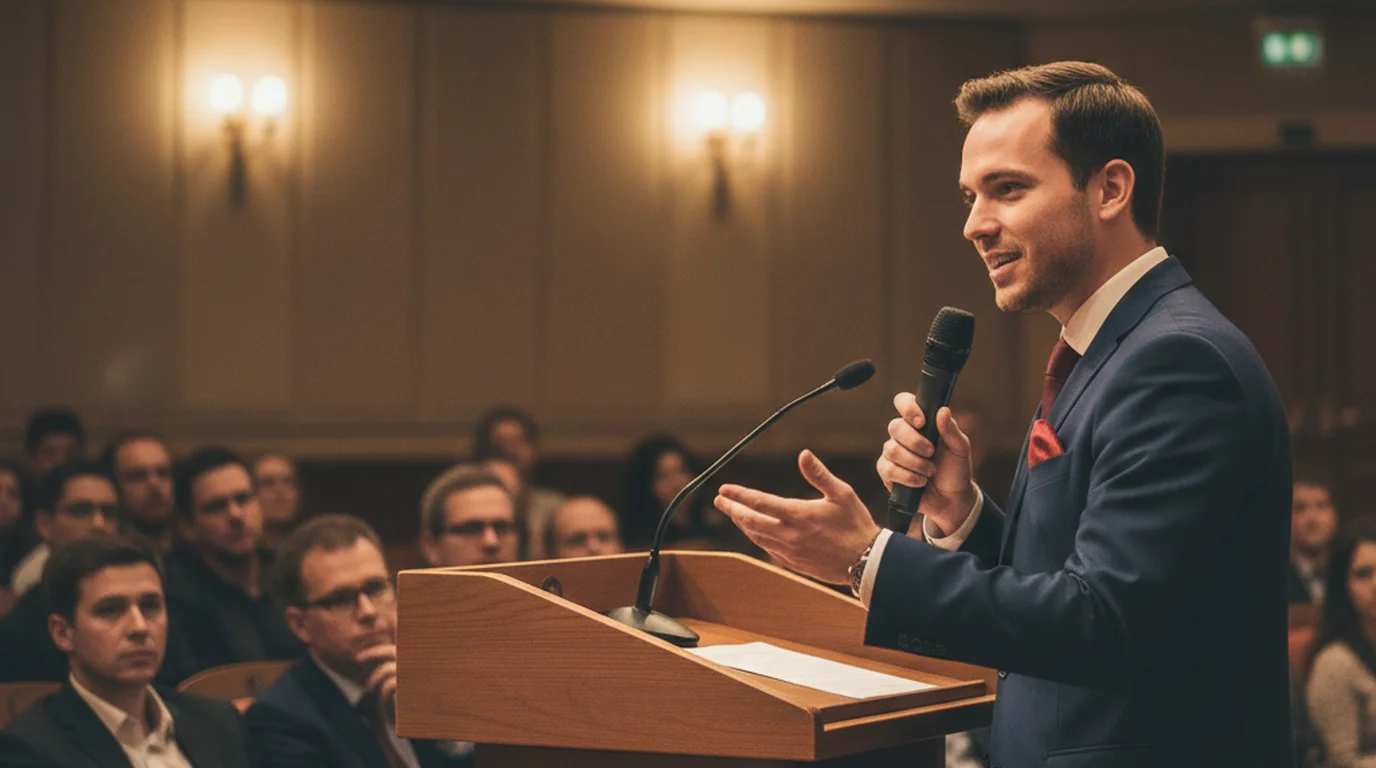
Manuscript speech: definition and when to use it
A manuscript speech is the most carefully controlled form of spoken delivery: every word is written down in advance and read aloud verbatim. No improvisation, no paraphrasing, no departing from the text. For most casual presentations this level of control is unnecessary — but for the situations where exact wording carries legal weight, diplomatic significance, or emotional precision, a manuscript is the right format. The challenge is that reading from a script can sound exactly like reading from a script. A teleprompter changes that.
What is a manuscript speech?
A manuscript speech is a fully written-out speech that the speaker delivers word for word. Every sentence is scripted before the presentation begins, and the speaker reads the text rather than improvising or speaking from notes. This is the most literal form of scripted delivery — the speaker is essentially performing a piece of writing aloud.
To understand what sets manuscript delivery apart, it helps to contrast it with the other main speech formats. An extemporaneous speech is prepared in advance with research and structure but delivered flexibly, with some improvisation and natural variation in wording. A memorized speech is written out fully but recited from memory without visible notes. An impromptu speech is delivered with little or no preparation. An outline-based speech uses bullet points or keywords as prompts rather than full sentences.
Manuscript delivery sits at the opposite end of the spontaneity spectrum from impromptu speaking. The entire content exists on paper (or screen) before the first word is spoken. This makes it the most precise format but also the one most prone to sounding flat or mechanical if the speaker reads without expression, eye contact, or awareness of the audience.
When a manuscript speech is the right choice
The clearest signal that a manuscript speech is appropriate is when paraphrasing would change the meaning of what is being communicated. Legal and compliance statements are the most obvious example: a lawyer's prepared statement to the court, a corporate disclosure for an earnings call, a safety announcement on a public transport system. The specific wording in these contexts is often reviewed and approved before delivery; ad-libbing is not just inadvisable but potentially consequential.
Political and diplomatic addresses fall into the same category. A State of the Union address, a foreign minister's statement at an international summit, a president's remarks on a national emergency — in each case, every word will be analyzed, quoted, and scrutinized. The speech is a public record. Improvisation carries real risk.
Scientific and medical communication often requires manuscript delivery for the same reason. A researcher presenting findings at a conference may be required to read from a paper to ensure accuracy. A physician recording patient education content or training material needs to be precise about dosage information, procedure steps, and contraindications. A mental health professional creating video resources for clients needs careful, vetted language throughout.
Emotionally significant speeches — eulogies, memorial addresses, personal statements at significant life events — also benefit from the manuscript format. Speaking from a script in these moments is not a sign of unpreparedness; it is a way of ensuring that grief or nerves do not interrupt the message that needs to be delivered. Having the words in front of you is a practical comfort, not a weakness.
The main challenge: sounding natural while reading
Reading directly from a written document — whether paper or screen — tends to produce delivery that sounds like reading. The voice flattens. The pace becomes uniform. Pauses disappear because there is no breathing room built into written text. Eye contact drops because the speaker's gaze falls on the page. Energy falls because the speaker is processing visual input and translating it to speech rather than drawing on internalized knowledge and responding to a live audience.
Audiences are sensitive to the difference between a speaker who is genuinely engaged and one who is reading. Even without knowing exactly what cues they are picking up on, listeners can detect the mechanical quality of unmodulated manuscript delivery. This creates a perception gap: the speaker knows the material thoroughly and cares about it deeply, but the audience experiences the delivery as distant or rote.
The solution is not to avoid manuscript delivery when it is appropriate — it is to prepare and deliver the manuscript in a way that preserves natural speech qualities. This means writing differently than you write for other formats, adding performance cues to the text, and practicing until the reading sounds like speaking. A teleprompter helps by solving the eye-contact problem, which is one of the most visible signals of manuscript delivery.
How to write a manuscript speech for natural delivery
The biggest mistake in manuscript writing is drafting text that reads well on the page but sounds unnatural when spoken aloud. Written language and spoken language follow different conventions. Written prose uses longer sentences, more complex subordinate clauses, formal vocabulary, and passive constructions that are easy to follow visually but difficult to process as audio in real time.
Write the way you actually speak. Use short sentences. Active verbs. Contractions — "it's" instead of "it is," "you'll" instead of "you will." If a sentence has three subordinate clauses connected by "which," "that," and "however," break it into three sentences. Read every single draft aloud before finalizing it. If you stumble on a phrase, rewrite the phrase — the stumble is a signal that the construction is too complex for spoken delivery.
Add delivery cues directly in the text. Mark a breath or pause with a double slash (//) or the word [PAUSE] in brackets. Capitalize or bold words that need emphasis. Mark rising and falling intonation if you tend to default to monotone. Add timing notes like [SLOW DOWN HERE] or [LOOK UP] to remind yourself to break from the page periodically. These annotations are for your use only — they never appear in what the audience hears or sees.
Structure the manuscript with obvious section breaks. A blank line between major points gives you a natural moment to look up, breathe, and re-engage before the next section begins. Treat each paragraph as a unit that can be delivered in a single flow, and keep paragraphs to three or four sentences at most.
How a teleprompter solves the eye-contact problem
The most damaging visible sign of manuscript delivery is the dropped gaze. When a speaker looks down at a paper, the audience loses the connection that eye contact creates. A teleprompter repositions the script so the speaker reads while looking forward — at the camera, or at the audience. The text comes to the speaker's eye level instead of demanding the speaker's eyes drop to paper level.
For video recording — YouTube content, corporate training videos, scripted social posts, product demos — a teleprompter app on iPhone or Mac places the script directly on the camera view. The presenter reads the scrolling text while the camera records. The result looks like confident, direct-to-camera delivery even when every word is scripted. Viewers cannot tell the difference between a presenter who memorized the content and one who read it from a well-configured teleprompter.
For live presentations, a teleprompter or a tablet in Prompter mode at eye level performs a similar function. Instead of glancing down at notes, the speaker glances briefly at a screen positioned near their sightline and returns immediately to the audience. The interruption to eye contact is minimal — far less disruptive than the sustained downward gaze of reading from a lectern paper.
In Teleprompter-Scrolling Scripts, you can pause the scroll at any moment and resume from the same position. This is particularly useful for manuscript delivery, where an unexpected pause for emphasis, an audience reaction, or a moment of composure should not mean losing your place in the text. The script waits for you rather than scrolling past the moment you need it.
Setting scroll speed for manuscript delivery
Scroll speed is personal and situational. The right speed for a carefully paced eulogy is very different from the right speed for a fast-moving corporate video or a rapid news-style script. The consistent principle is that the scroll should follow you — you should not be racing to keep up with it.
Start with a speed that feels slightly slow. Run a one-minute test section of your script and watch or listen back. If you sound rushed, slow down. If you are waiting for the text, speed up slightly. Make the adjustment in small increments — scroll speed controls tend to have noticeable effects at each step.
For manuscript speeches that include deliberate pauses — for emphasis, for a beat of silence after an important point, for a moment to look up at the audience — use the pause function rather than slowing the overall scroll speed. Pause the scroll when you want to hold a moment, then resume when you are ready to continue. This keeps the general speed comfortable for your reading pace while still allowing the expressive silences that are part of natural delivery.
In Teleprompter-Scrolling Scripts, you can also move the script manually if you need to skip back and re-read a line or jump ahead past a section you decided to cut during the take. This manual control makes live delivery of manuscript speeches much less stressful — you are always in control of the text rather than at the mercy of a fixed scroll rate.
Rehearsal approach for manuscript speeches
Reading a script aloud three times before the actual performance is a reliable minimum. The first read-through should be at a normal pace, following the text as written. Note any places where you trip over the wording, lose your breath, or feel the sentence structure fighting you. Fix those places in the script before the next pass.
The second read-through is for pacing and marking. Read more slowly than you think you need to, and add any delivery cues you want in the text. Mark pauses. Mark emphasis. Note where you want to look up from the script. Time this pass with a stopwatch so you know the total length and can identify sections that run long.
The third pass is for performance. Read as if the audience is in front of you. Focus on the energy of each sentence, not just the accuracy of the words. If you are using a teleprompter, do this pass with the teleprompter running so you can adjust the scroll speed to your rehearsed pace. If you are recording video, do a full practice take and watch it back. The difference between how you sound in your head and how you sound on camera is almost always informative — and sometimes surprising.
Time each rehearsal pass individually. Manuscript speeches have a fixed length once the text is set, but delivery speed affects the final timing significantly. A script you read in four minutes in your head may run to five and a half minutes at a comfortable, expressive pace with pauses. Know the real time before the real performance.
Manuscript speeches for YouTube and social video
For scripted YouTube videos and social media content, a manuscript approach via teleprompter delivers polished, accurate content without the overhead of memorization or the unpredictability of improvisation. You write the script, refine it until it says exactly what you want, and then read it to camera. The final video reflects the carefully considered version of your message, not a live approximation of it.
This workflow is particularly effective for educational content, where accuracy matters and re-recording a section with a factual error wastes time. It works well for sponsored content, where the brand's required talking points must be delivered precisely. It suits tutorial videos, explainers, and product reviews where completeness and clarity are more important than the casual spontaneity of a vlog.
The free online teleprompter at teleprompter.works is a fast way to test this workflow without installing anything. Paste your script, press play, and read to your camera. If you find yourself using the workflow regularly, Teleprompter-Scrolling Scripts on iPhone or Mac adds Camera mode (record and read in one step), persistent script storage, and offline access — everything you need for a consistent manuscript-to-video pipeline on any device you already own.
Write your manuscript once, read it naturally on camera. Teleprompter-Scrolling Scripts scrolls your script at eye level so you deliver word-accurate content without memorizing a line — free on iPhone, iPad, and Mac.
Use Free Online Teleprompter Get the Free App