What Is Teleprompting? A Complete Guide for Video Creators and Presenters
 Wendy Zhang · May 20, 2026 · 8 min read
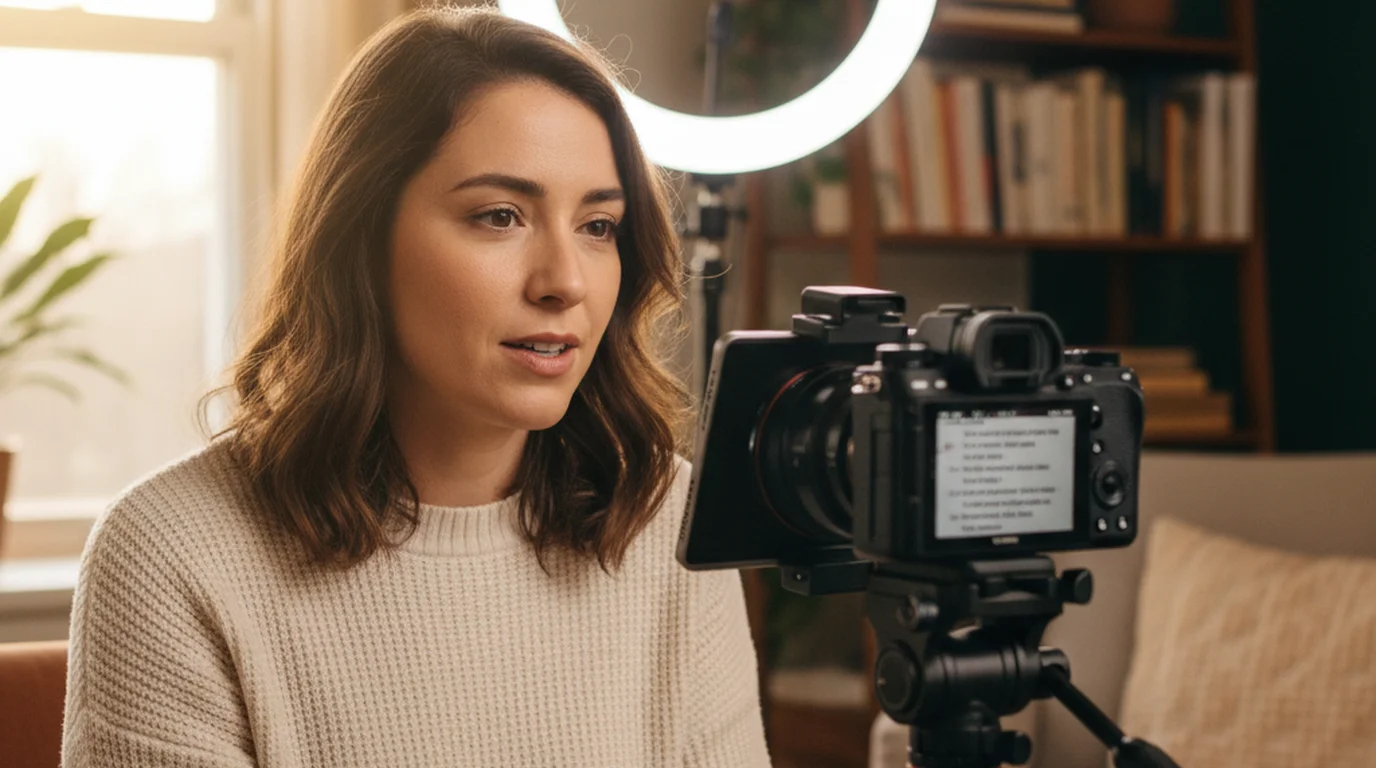
Teleprompting is the practice of reading a script from a scrolling display while appearing to speak naturally on camera or in front of an audience. The technique has been standard in broadcast television since the 1950s and has moved into the hands of individual creators, educators, and coaches through smartphone apps. Today, anyone with an iPhone, iPad, or Mac can do exactly what a network news anchor does — read a prepared script without looking down at notes, without memorizing every line, and without losing eye contact with the camera.
Teleprompter-Scrolling Scripts is a native iOS and Mac app that brings teleprompting to creators for free. Camera mode records video with the scrolling script overlaid on screen. Prompter mode scrolls your script for rehearsal, presentations, and speeches without recording. Scripts are stored locally — no account, no internet required.
Teleprompting definition — what the term means and where it comes from
Teleprompting refers to the act of reading a script from a device that displays the text in a scrolling format, placed in or near the speaker's line of sight. The word comes from "Teleprompter," the brand name of a mechanical scrolling device invented by Hubert Schlafly in the early 1950s. The device was first used commercially in television broadcasting, allowing news readers and presenters to deliver scripted content without looking down at paper notes. The brand name eventually became the generic term for the technology, much as "Xerox" became synonymous with photocopying.
The core principle has not changed since the broadcast era: the script moves toward the speaker at a controlled speed, and the speaker reads it in real time while facing the camera or audience. The display is positioned close to the camera lens so the speaker's eyes remain directed at the viewer rather than off to the side or downward. Modern apps replicate this setup on a phone or tablet screen, replacing the custom hardware with software that any creator can use.
The term "teleprompting" describes both the technology and the practice. A teleprompter is the device or app. Teleprompting is the act of using it. Understanding both terms helps when searching for tools, tutorials, and setup guides.
How teleprompting works — text display, scroll speed, and eye line
Teleprompting works by placing a scrolling text display in the speaker's direct line of sight. In broadcast setups, this is a semi-transparent mirror that reflects a screen positioned below the camera, so the speaker appears to look directly into the lens. In mobile and desktop apps, the text is displayed on the device screen itself, typically in a large font near the top of the display where the camera lens is located.
The scroll speed is set to match the speaker's natural speaking pace — usually somewhere between 120 and 180 words per minute for most English speakers, though this varies widely by content type and individual. Slower speeds work better for complex technical content or for speakers still learning the technique. Faster speeds work for experienced presenters with simple, conversational scripts. The speaker controls or adjusts the speed before and during the session, either manually or through voice commands in apps that support them.
Eye line is the critical variable. The closer the text is to the camera lens, the more natural the eye contact looks to the viewer. Text positioned far below the lens creates a downward gaze that signals reading to anyone watching. The practical rule: keep the text area at the top of the screen, narrow the column width to two or three lines of visible text at a time, and use a font size large enough to read comfortably without squinting.
Who uses teleprompting — news anchors, politicians, YouTubers, and more
Teleprompting started in broadcast television and remains standard there. Every major news anchor reads from a teleprompter. Every scripted segment on late-night television, every prepared presidential address, and every corporate earnings call with a prepared statement uses the technology. The speakers who appear most natural and authoritative on camera have almost certainly used a teleprompter to deliver their best work.
The creator economy has made teleprompting mainstream at the individual level. YouTubers use teleprompters to record polished talking-head videos without the hours of retakes that come with memorized scripts. Online course creators use them to record module content with precision — important when a course covers technical or procedural material where exact phrasing matters. Business coaches, therapists, fitness instructors, and consultants use teleprompters to record professional video content without hiring a production crew.
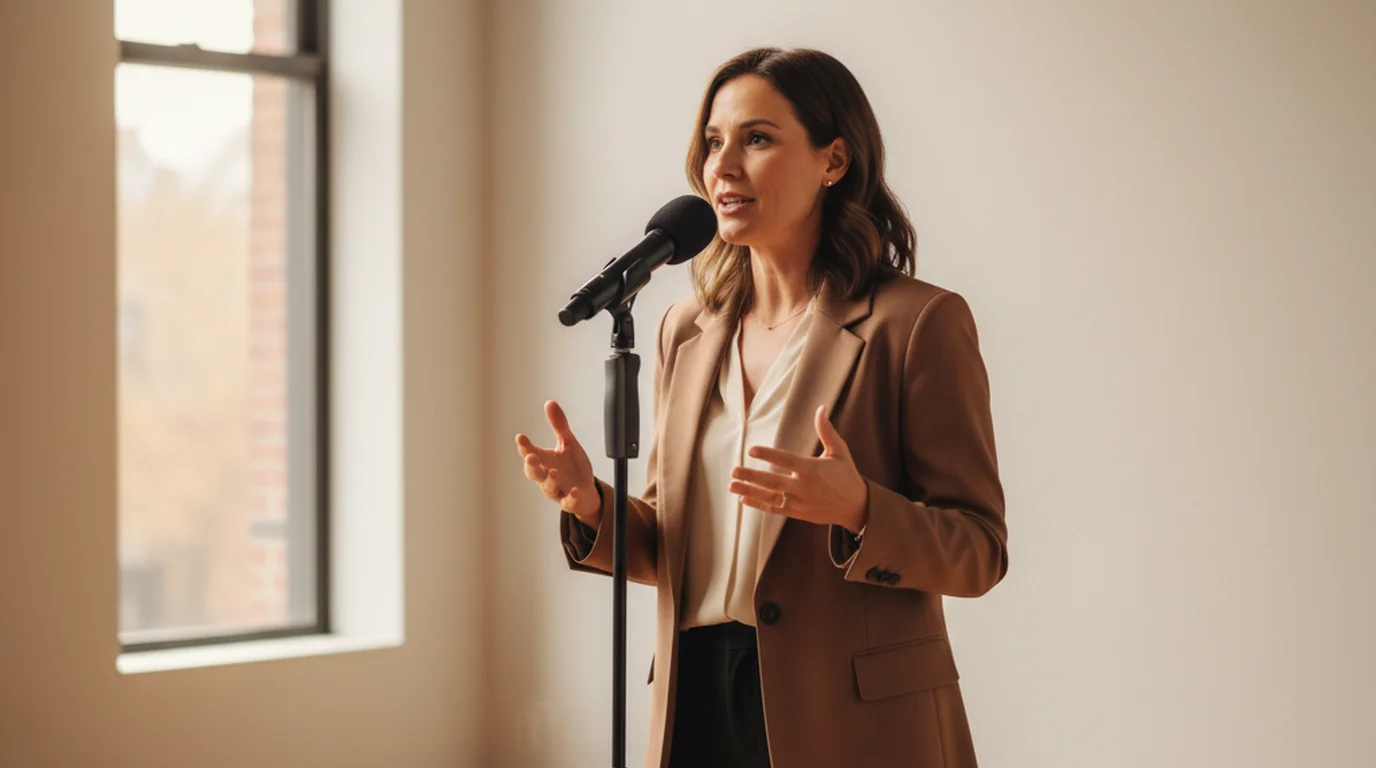
Educators and academics use teleprompting for recorded lectures, explainer videos, and conference presentations. Podcasters who record video use teleprompters to maintain eye contact with the camera while delivering structured content. Public speakers use Prompter mode to rehearse without a physical script in hand. The range of applications has expanded well beyond broadcast because the technology has become accessible — not because the underlying need for clear, confident, scripted delivery has changed.
Teleprompting with a hardware rig vs. a mobile app
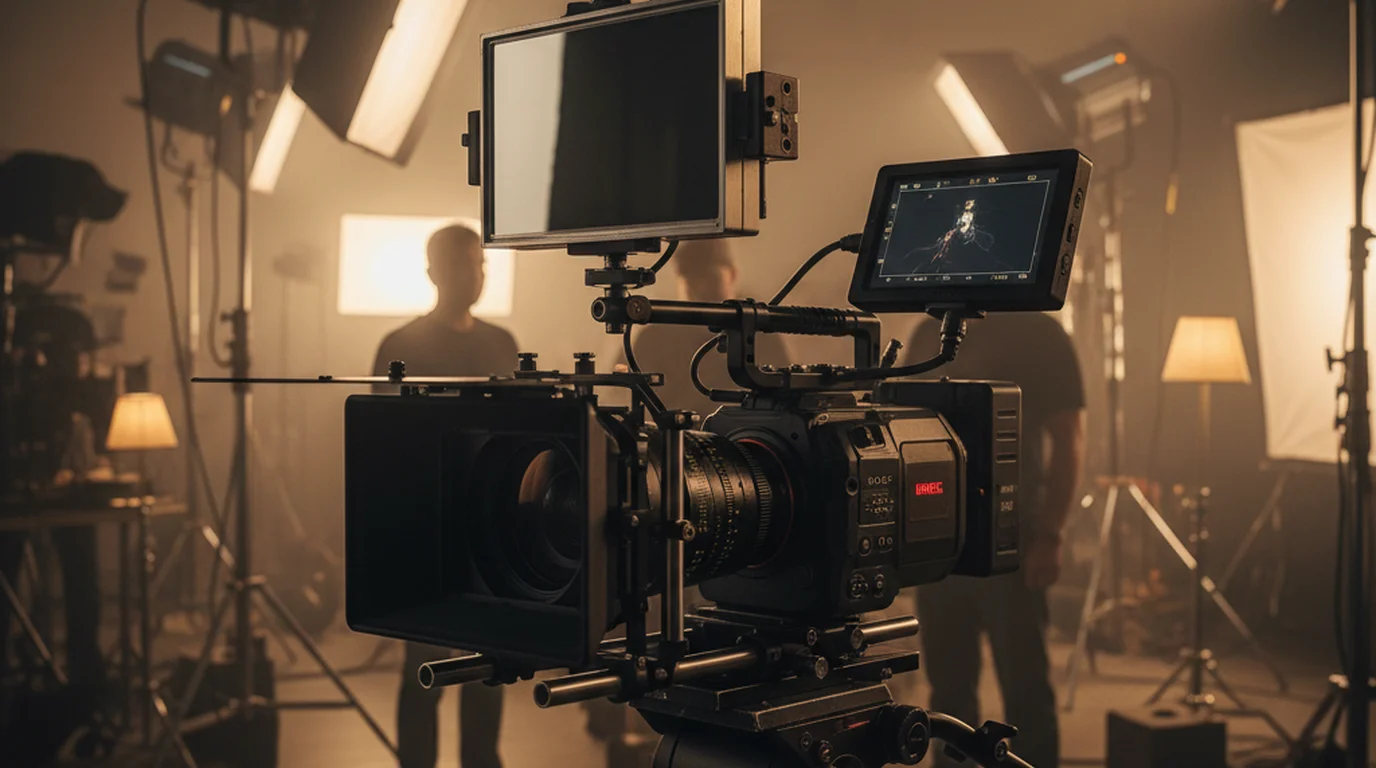
Professional broadcast teleprompter rigs consist of a camera, a mounting bracket, a semi-transparent beam-splitter glass in front of the lens, and a bright display behind the glass that reflects onto the mirror toward the speaker. The speaker sees the text; the camera sees through the mirror. These rigs cost between $200 and several thousand dollars and require setup time, additional lighting to compensate for the mirror, and a dedicated operator in professional settings.
Mobile teleprompter apps on iPhone, iPad, and Mac deliver the core function — scrolling script in the speaker's line of sight — without any additional hardware. The app displays the text on the screen near the camera lens, and the speaker reads it directly. Camera mode in Teleprompter-Scrolling Scripts records video at the same time, so the recording and the prompting happen in a single step on a single device.
The trade-off is eye-line precision. A hardware rig with a beam-splitter places the text directly over the lens, giving perfect eye contact. A phone or tablet screen positions the text near the lens, which is close enough to look natural in most recordings but not identical to a dedicated rig. For professional broadcast or high-production-value video, a rig is worth the investment. For creators recording for YouTube, online courses, social media, and internal business content, a mobile app on an iPhone or iPad delivers the same functional outcome at zero additional cost.
How to start teleprompting on iPhone, iPad, or Mac
Getting started with teleprompting on a mobile device takes less than five minutes the first time. Download Teleprompter-Scrolling Scripts from the App Store on iPhone or iPad, or from the Mac App Store on Mac. The app is free with no account required.
Open the app and create a new script. Paste or type the text you want to read. For your first session, use a short script — two to three paragraphs — so you can focus on the setup rather than the content. Set the text size to something comfortably large: for iPhone recording in portrait, 40–50pt is a reasonable starting point. For iPad or Mac, you can go slightly smaller because the screen is larger and the viewing distance is greater.
Set scroll speed to the lower end of the range — slower than you think you need. Most first-time users set the speed too fast. Start slow, run the script once in Prompter mode to rehearse, and adjust upward until the pace feels natural. When you are ready to record, switch to Camera mode, position the device so the text appears near the top of the frame close to the lens, and tap play. Speak at the speed the script scrolls. The recorded video is saved to your camera roll without any text overlay — the script appears only on the screen during recording, not in the final file.
For online use without downloading an app, teleprompter.works/online is a free browser-based teleprompter that works on any device.
Common teleprompting mistakes and how to avoid them
The most common teleprompting mistake is setting the scroll speed too fast. When the text moves faster than your natural speaking pace, you rush to keep up, your delivery loses its rhythm, and the reading effort becomes visible in your eyes and face. Always start slower than you think necessary and increase speed only after a full rehearsal run.
The second most common mistake is positioning the text too low or too wide on the screen. Wide text columns force large left-right eye movement that reads as scanning. Text positioned low on the screen pulls your gaze down and away from the camera. Keep the text column narrow — no wider than the center third of the screen — and position it as high as possible, close to the camera lens.
Writing scripts that sound like writing is another significant mistake. Text that reads well on a page often sounds formal and stiff when spoken. Write scripts the way you speak: shorter sentences, contractions, direct address ("you" and "your"), and conversational transitions. Read the script aloud before you record it. If a sentence is hard to say in one breath, break it in two. If a word feels awkward to speak, replace it with the word you would naturally use in conversation.
Finally, not rehearsing before recording adds unnecessary retakes. One or two run-throughs in Prompter mode — without recording — lets you find the awkward phrases, adjust the scroll speed, and build enough familiarity with the script that your delivery sounds natural rather than mechanical.
How teleprompting improves video quality and reduces retakes
Teleprompting reduces retakes by eliminating the two most common sources of errors in talking-head video: memory lapses and script drift. When you memorize a script, any disruption — a knock at the door, a momentary distraction, or simply the pressure of being on camera — can send you off script. When the script is in front of you, the next word is always there. You recover from a stumble in seconds rather than restarting the whole take.
Script drift is the tendency to paraphrase rather than deliver the prepared text precisely. In technical, legal, or instructional content, paraphrasing often introduces inaccuracies that require a retake or a correction in post-production. In marketing or brand content, off-script phrasing can mean a reshoot when a phrase misses the brief. Teleprompting keeps you on the prepared text without the rigidity of memorization.
The quality benefit extends beyond accuracy. A creator who has practiced teleprompting reliably records usable content on the first or second take. Over a week of content production, the hours saved on retakes compound quickly. For online course modules, where a single course might require thirty or forty recorded segments, the efficiency gain is substantial — the kind of difference that determines whether a creator can produce at a sustainable pace or burns out trying to perfect unprompted delivery.
Frequently Asked Questions
What is teleprompting?
Teleprompting is the practice of reading a script from a scrolling display while appearing to speak naturally to a camera or audience. The script is shown on screen and scrolls at a controlled pace, allowing the speaker to maintain eye contact while delivering prepared content. The term comes from the Teleprompter brand name, one of the first commercial prompter devices.
What is the difference between teleprompting and memorizing a script?
Teleprompting lets you speak a complete, accurate script without memorization. The text scrolls in front of you and you read it as you deliver the message. Memorization requires extensive preparation and is prone to errors under pressure. Teleprompting is preferred for long-form content, technical material, and any situation where exact wording matters.
How do I start teleprompting on iPhone?
Download Teleprompter-Scrolling Scripts from the App Store. Open the app, paste or type your script, set the text size and scroll speed, choose Camera mode for video recording or Prompter mode for rehearsal, and position the text area close to the camera lens. Tap play to start the auto-scroll and begin speaking.
Does teleprompting make you look unnatural on camera?
Only if set up incorrectly. If the text is too wide, too low, or scrolling too fast, the reading eye movement becomes visible. The solution is to keep the text area narrow (2–3 lines), position it close to the camera lens, set scroll speed slightly slower than natural speech, and write the script in a conversational tone. Done correctly, teleprompting is undetectable to viewers.
Wendy ZhangWendy Zhang is the indie developer behind Teleprompter-Scrolling Scripts, which she built after cycling through teleprompter apps that were too heavy, too expensive, or dependent on a network connection to open. She writes about the mechanics of recording yourself — scroll pacing, script formatting, and the app decisions that decide whether a take survives.
Start teleprompting for free
Teleprompter-Scrolling Scripts is free on iPhone, iPad, and Mac. Camera mode, Prompter mode, offline use — no account, no limits. Download and record your first scripted video today.
Use Free Online Teleprompter Get the Free App